
Data Schema Visualization
VibeSchema is ideal for quickly visualizing your database schemas using Database Markup Language (DBML). Click the button below to explore the Schema Visualizer, or learn below how to visualize live databases.
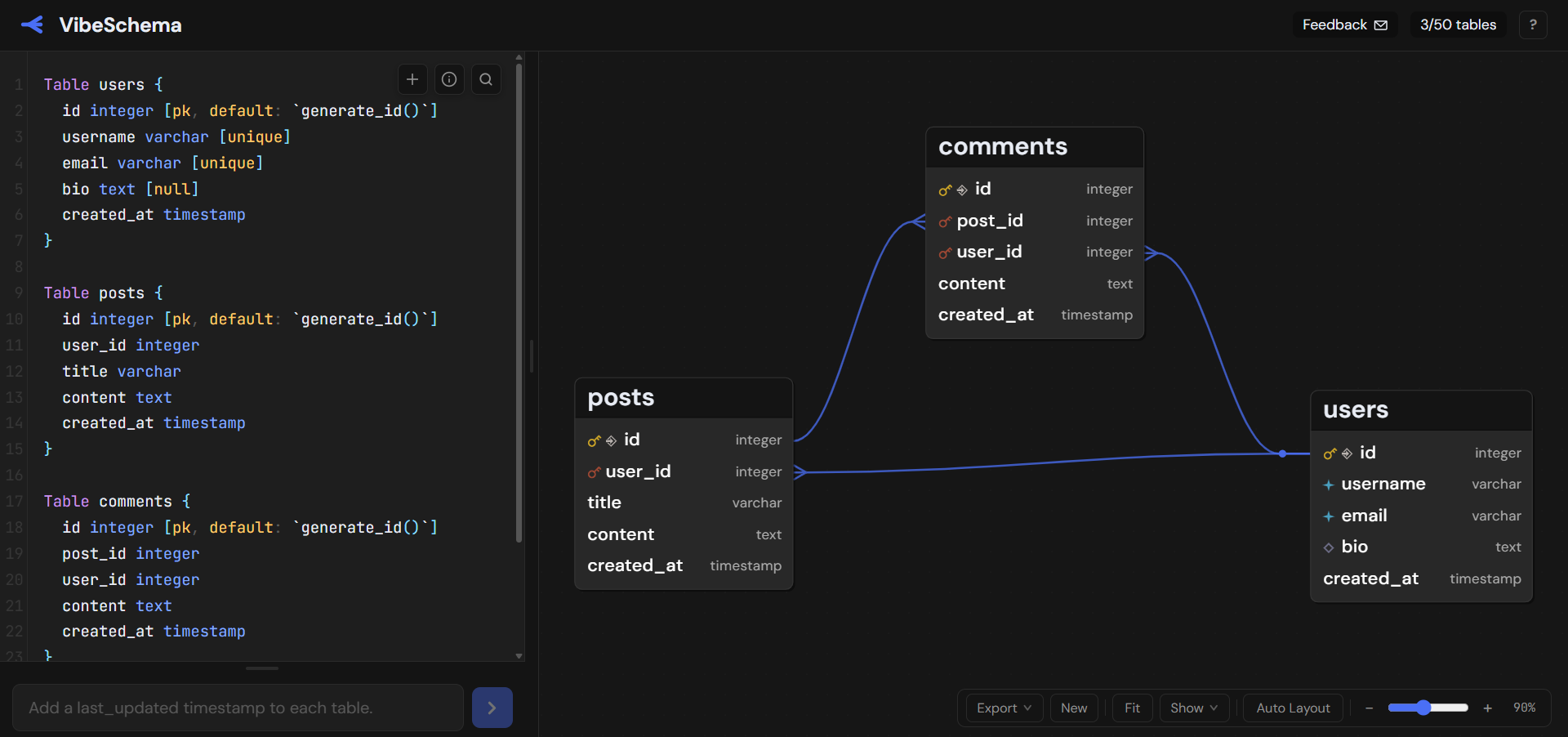
Try it out in the Schema Visualizer - fully free, no sign-up.
Visualize a Live Database
Already have a live database? VibeSchema allows you to directly visualize your running database:
Refining the Entity-Relationship Diagram
VibeSchema’s Auto-Layout attempts to minimize overlap between relationships and tables. However, if you are still not satisfied with the visualization, you can perfect the ER diagram by dragging tables around manually.
For complex database schemas, overlap between tables and relationships might be inevitable. For those cases, there is a toggle in under “Show” to show relationships above tables, at an opacity that still allows you to read the tables easily. The idea behind this is that data specialists have better ways to spend their time than ensuring that relationships don’t overlap with tables.
Does your schema contain enums? With a toggle under “Show” you can choose whether these should be included in the database schema visualization.
Satisfied with your schema visualization? Share it with colleagues with either a code export of the underlying code, or a .png download of the ER diagram. Note that you can choose to include the position comments in your code exports, allowing you to version-control the ideal layout of your database schemas.
Free, No Sign-Up
VibeSchema is free to use. No account required. Open the schema visualizer and start exploring your data model.
Ready to start? Open the schema visualizer. Free and no sign-up required.